- Home
- Genomes
- Genome Browser
- Tools
- Mirrors
- Downloads
- My Data
- Projects
- Help
- About Us


Genome Browser


We support various kinds of searching from the tracks display address bar. You can use HGVS terms (NM_198056.2:c.1A>C), gnomAD style variants (1-55051215-G-GA), BLAT sequences directly from the search box, documentation, and more.
Feel free to contact us if you are interested in attending a workshop, or meeting someone from the team to collaborate, get help, or ask any questions at the meetings. See our Poster Gallery.
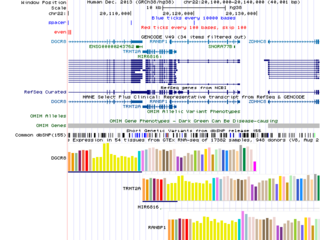
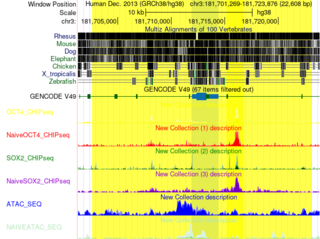
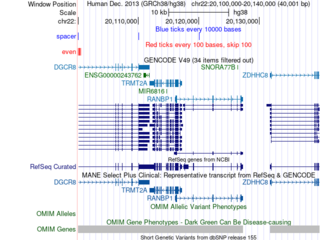
Click the images to explore the latest Public Sessions on our main site.
